Use cases
OBS overlays for Just Chatting and talk streams
When the stream is a conversation, the overlay is the set. It should tell new viewers what you are talking about and where the stream is going next.
What the pack includes
A topic agenda
Today’s topics on screen, with the current one highlighted. You or a mod move to the next with a hotkey or !next.
Lower thirds and tickers
News-desk style titles for each segment, so someone arriving mid-stream knows what is going on.
Chat as part of the set
On-screen chat, camera frame and sub goal designed together, not stacked on top of each other.
Alerts in your voice
Subs and raids written the way you and your chat talk, in your language.
Ask Claude something like
“I do a weekly talk show about tech news, 4–5 topics per stream. I want a topic list my mods can move forward.”
Questions
Can my mods change the topic?
Yes. Mods can use chat commands from the pack; commands from other viewers are ignored and logged.
Do I need a camera?
No. Claude asks whether you use a camera or a VTuber model and designs the layout around it.
Other stream formats
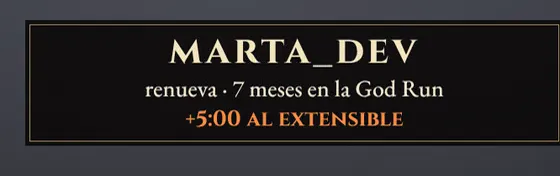 Soulslike & no-hit runsIn a no-hit run only one number matters.
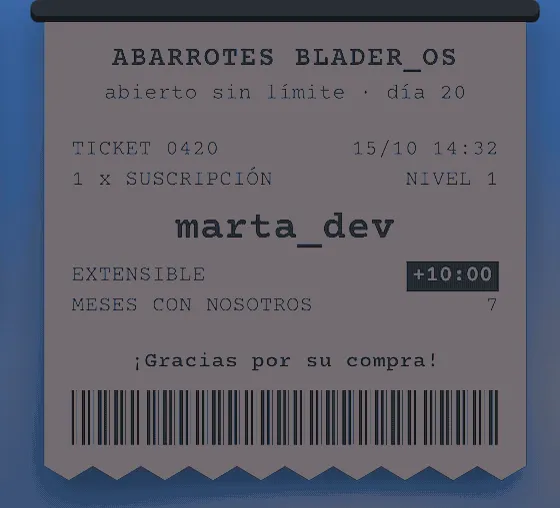 SubathonsA subathon lives on its timer.
 Minecraft hardcoreA hardcore series is a story told in days.
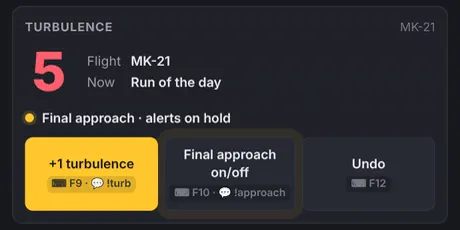
 Game shows & quizzesIf you host your own shows, your overlay is the studio: scoreboard, lights and a big moment every time someone subs..
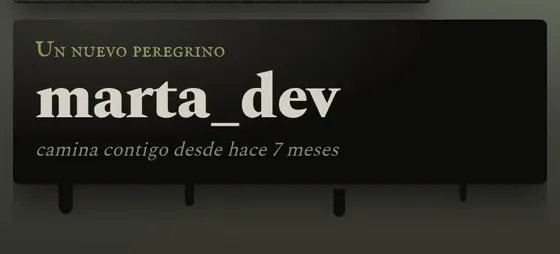 VTubersYour model and your lore are the channel.